Fly Delta
Fly Delta helps travelers manage trips with boarding passes, flight status, seat selection, and SkyMiles tracking. Ideal for frequent flyers, it offers check-in, rebooking, lounge access, and real-tim
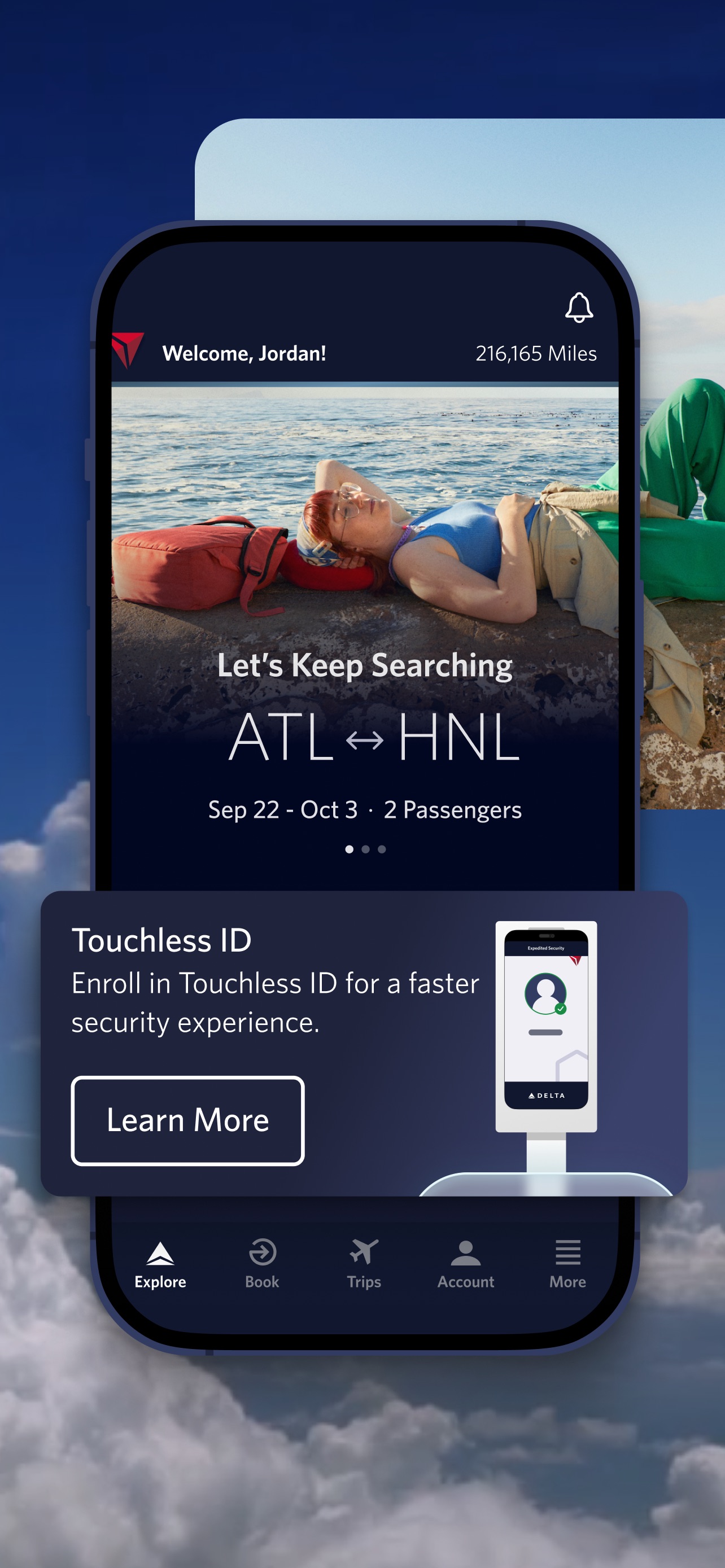
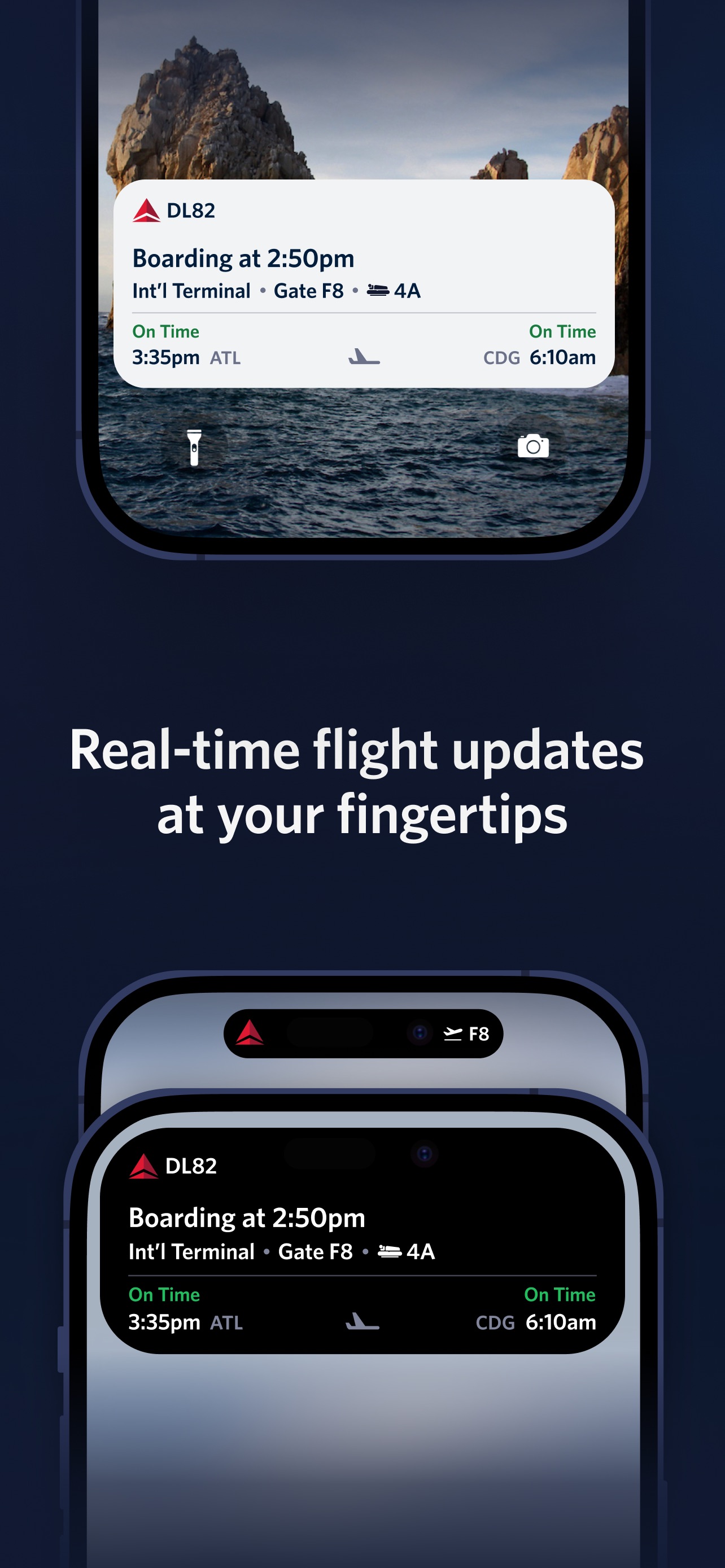
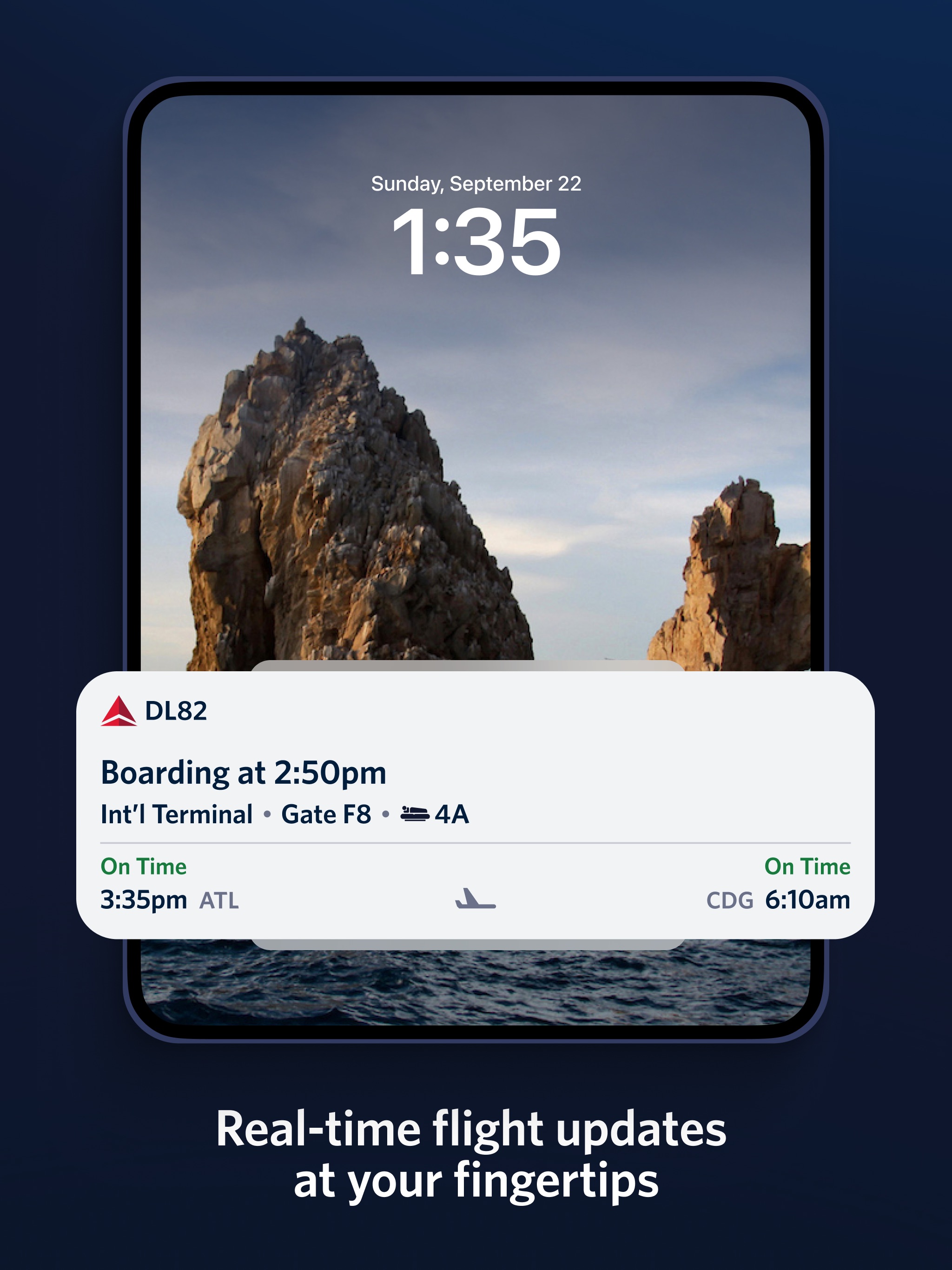
Welcome to Fly Delta, Delta’s award winning iOS app. With our dynamic Today screen which provides quick access to your boarding pass and other important day-of-travel information, Fly Delta makes travel easier than ever before.
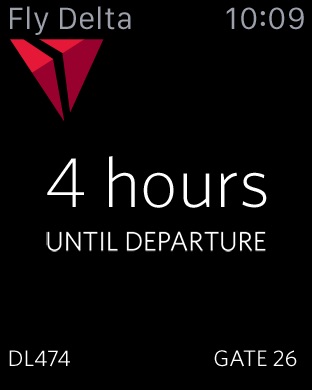
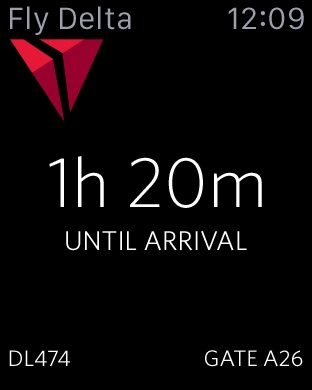
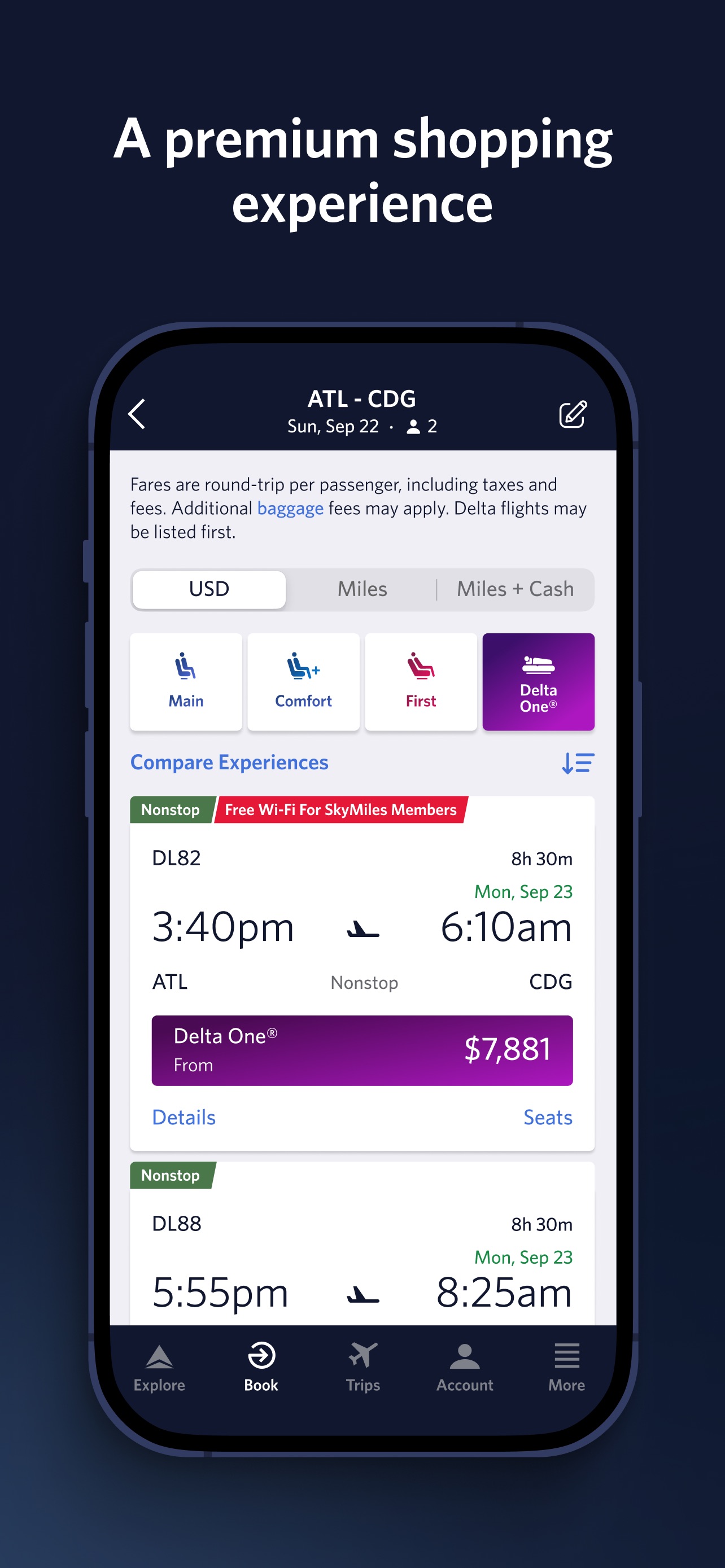
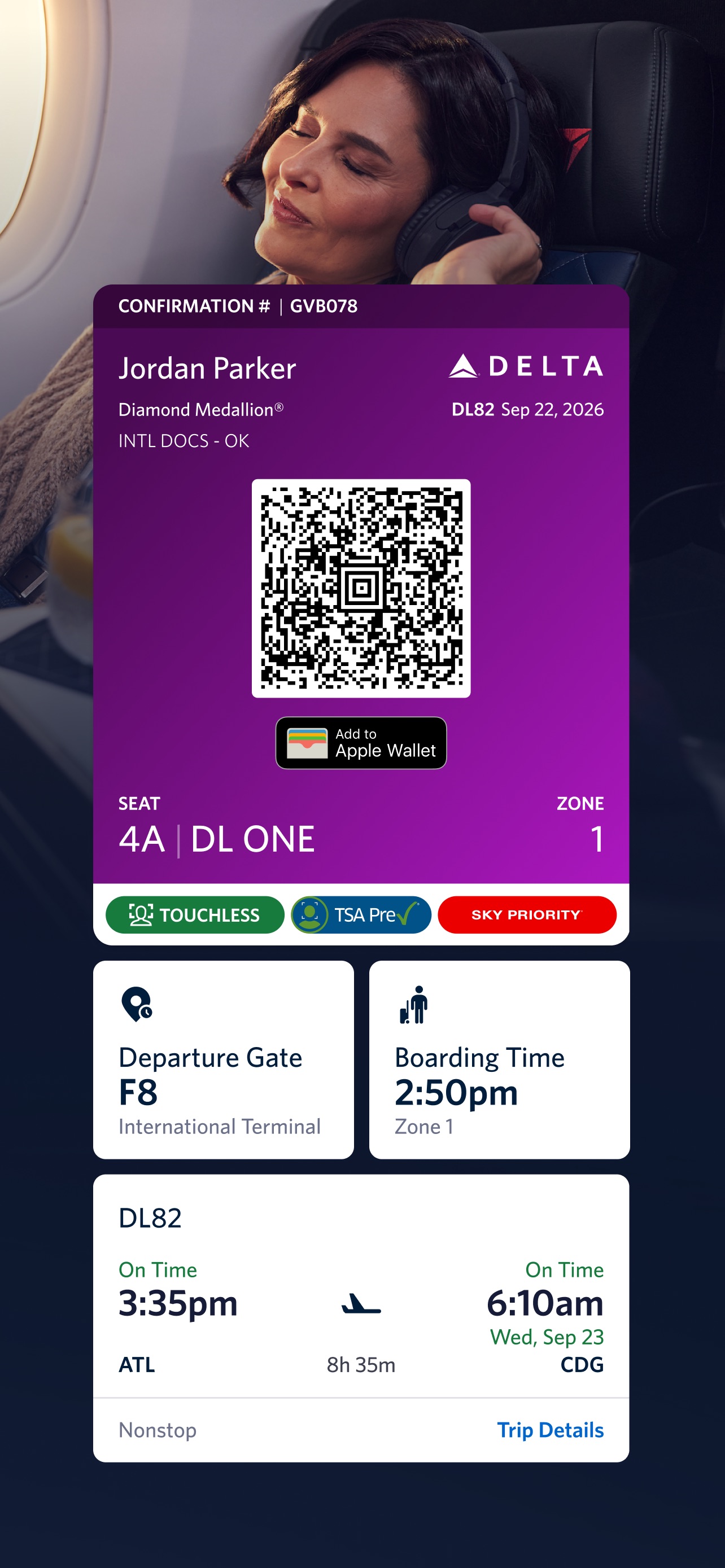
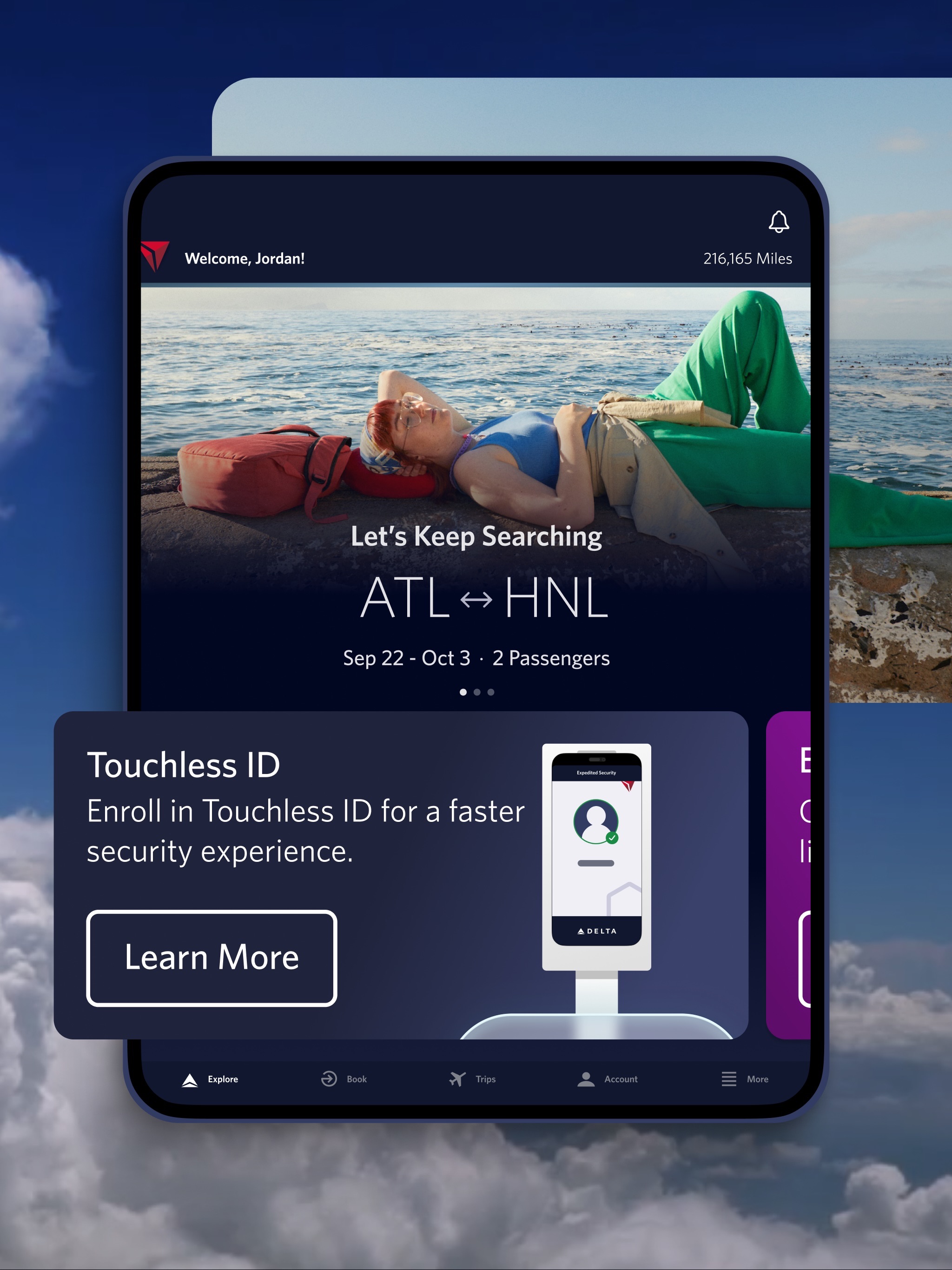
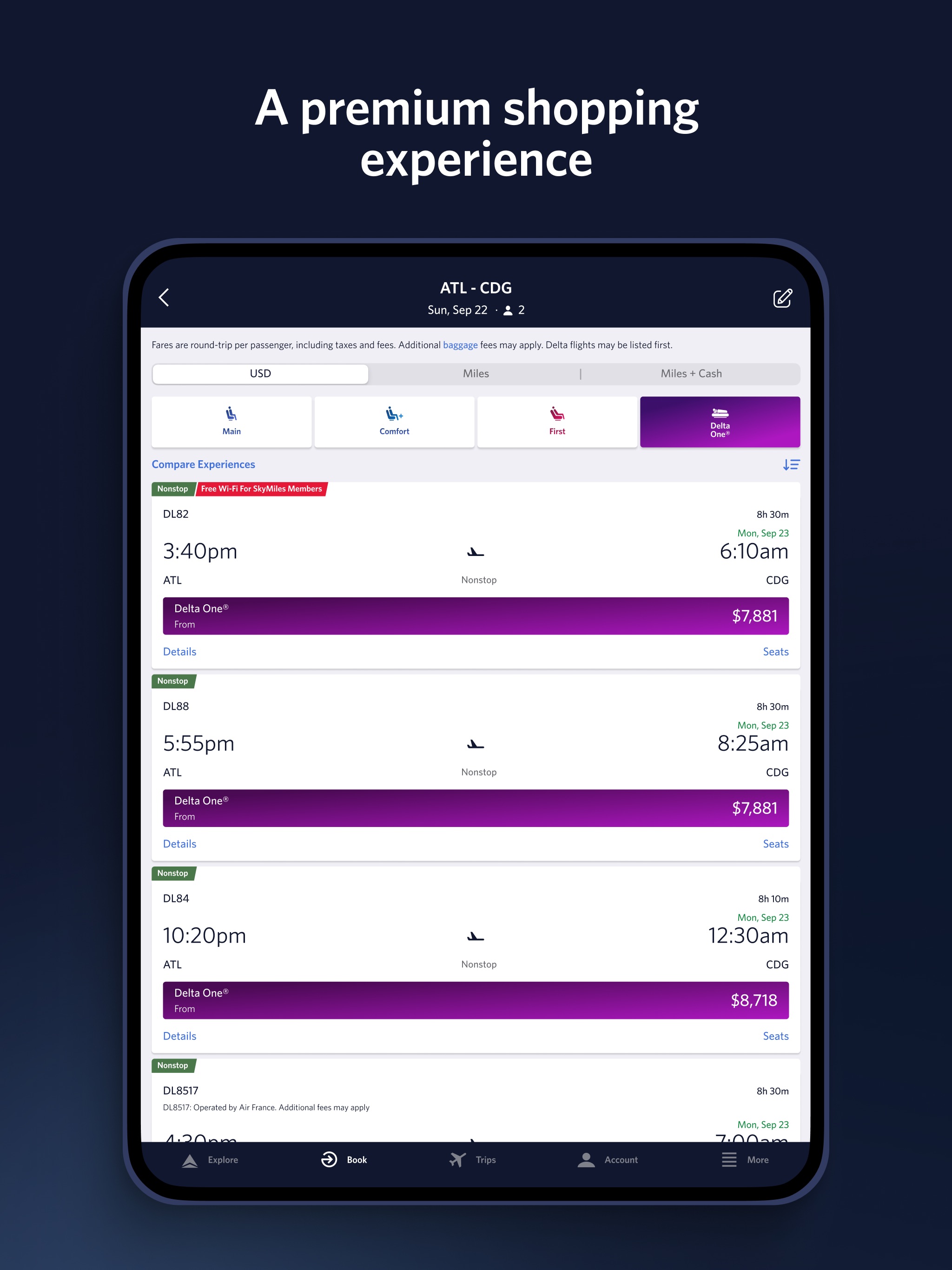
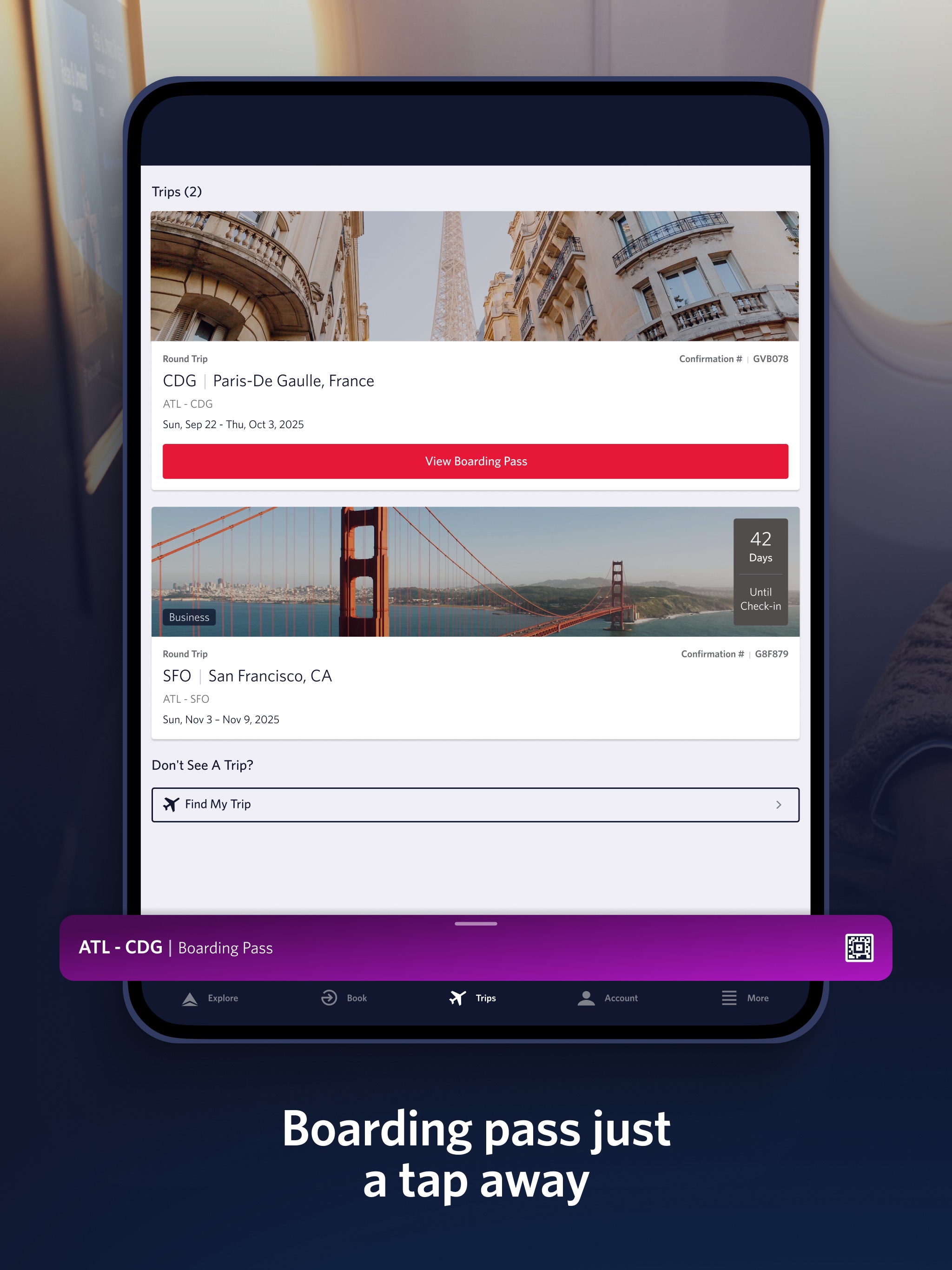
• Enroll in Delta's SkyMiles® program and earn miles every time you travel • Find, compare and book Domestic and International flights • Book SkyMiles award tickets • Purchase Delta Comfort+™ seats and Trip Extras, including in-flight Wi-Fi, Priority Boarding and more • Reserve Preferred Seats like bulkhead and aisle • Rebook cancelled flights or missed connections • Manage your trips, profile and customize your travel preferences • Check your SkyMiles account balance and current Medallion® status • Check in, view your boarding pass and add it to Apple Wallet • Pay for checked bags and track their location • Check the latest flight status and receive flight and gate change notifications • Save a photo to remember your parking spot • Check your status on the upgrade or standby list • View or change your seat • Locate Delta Sky Club® lounges • View interactive airport maps, public transportation details and weather information • Get detailed info about our fleet and partners • Map flights en route with an interactive flight tracker • “Today” gathers everything you need for your day of travel into one convenient place • “Notifications” ensures you always have the latest flight updates, gate changes and more • View countdown to departure and arrival along with gate and baggage carousel information on Apple Watch
The Fly Delta app for iPhone and delta.com are always free to use on Delta’s Wi-Fi-enabled flights. Visit delta.com/app for more information.
When downloading the Fly Delta app, you agree that your personal data will be processed in accordance with Delta’s Privacy Policy which can be accessed via the link below or on our website at delta.com.
Fly Delta助旅客管理行程,含登机牌、航班状态、选座及里程追踪。适合常旅客,支持值机、改签、休息室查询,通过今日视图和Apple Watch获取实时更新。
Welcome to Fly Delta, Delta’s award winning iOS app. With our dynamic Today screen which provides quick access to your boarding pass and other important day-of-travel information, Fly Delta makes travel easier than ever before.
• Enroll in Delta's SkyMiles® program and earn miles every time you travel • Find, compare and book Domestic and International flights • Book SkyMiles award tickets • Purchase Delta Comfort+™ seats and Trip Extras, including in-flight Wi-Fi, Priority Boarding and more • Reserve Preferred Seats like bulkhead and aisle • Rebook cancelled flights or missed connections • Manage your trips, profile and customize your travel preferences • Check your SkyMiles account balance and current Medallion® status • Check in, view your boarding pass and add it to Apple Wallet • Pay for checked bags and track their location • Check the latest flight status and receive flight and gate change notifications • Save a photo to remember your parking spot • Check your status on the upgrade or standby list • View or change your seat • Locate Delta Sky Club® lounges • View interactive airport maps, public transportation details and weather information • Get detailed info about our fleet and partners • Map flights en route with an interactive flight tracker • “Today” gathers everything you need for your day of travel into one convenient place • “Notifications” ensures you always have the latest flight updates, gate changes and more • View countdown to departure and arrival along with gate and baggage carousel information on Apple Watch
The Fly Delta app for iPhone and delta.com are always free to use on Delta’s Wi-Fi-enabled flights. Visit delta.com/app for more information.
When downloading the Fly Delta app, you agree that your personal data will be processed in accordance with Delta’s Privacy Policy which can be accessed via the link below or on our website at delta.com.
iPhone


iPad

Apple Watch